Bring your brand
Start with a focused brief. CreativeStudio organises your brand, offer and audience context.
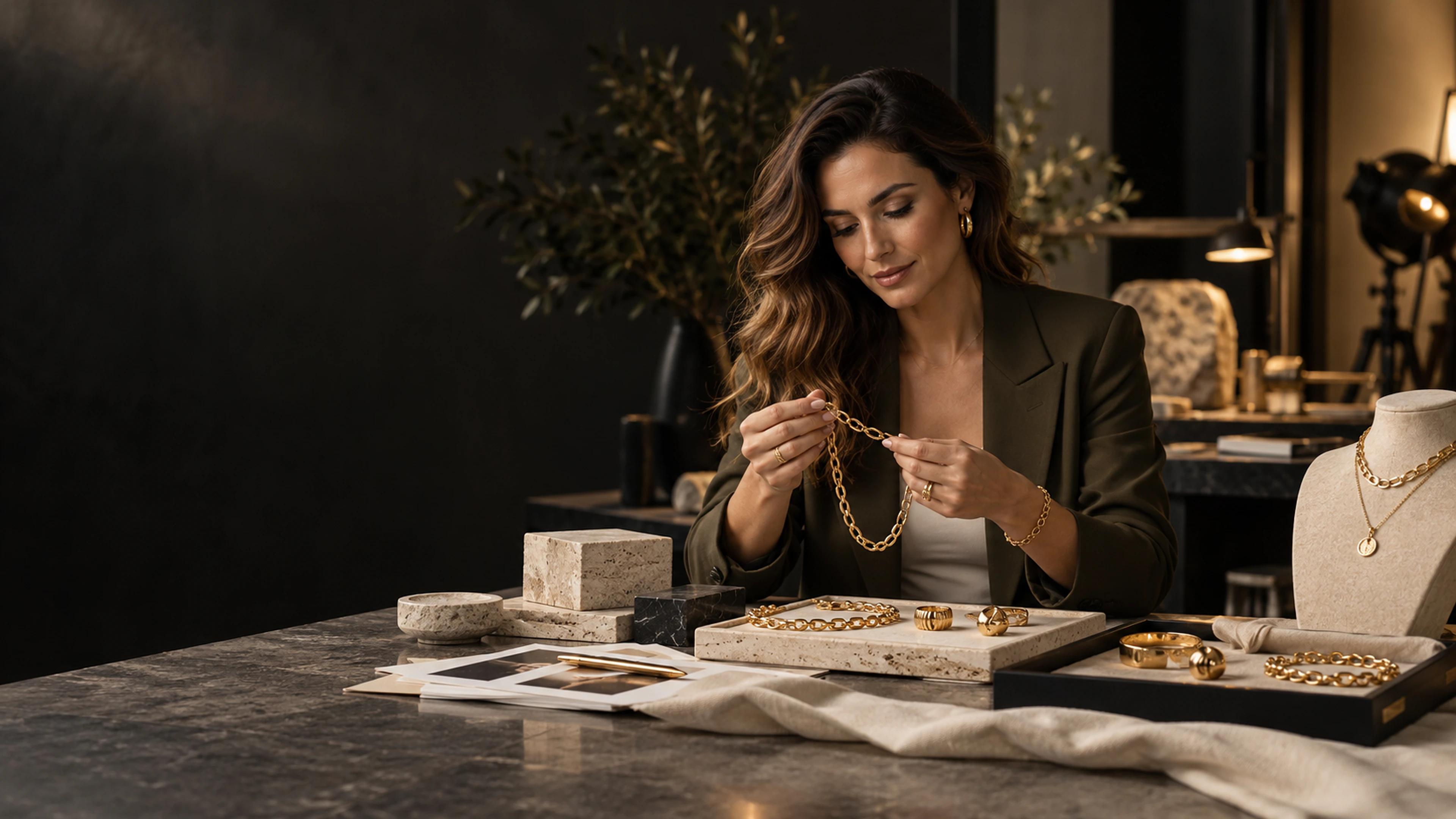
One production system. Every campaign format.
Turn a brand brief and approved references into art-directed image and video campaigns built for the placement.
Built for production, not prompting
CreativeStudio keeps brand context, references, formats and generation settings together so a campaign can be reviewed as one system.
Start with a focused brief. CreativeStudio organises your brand, offer and audience context.
Assign product, logo, scene, character and general references so each asset has one clear job.
Select the image or video model, placement, aspect ratio and duration that fit the campaign.
Inspect variants, retry individual frames and export approved assets for your media workflow.
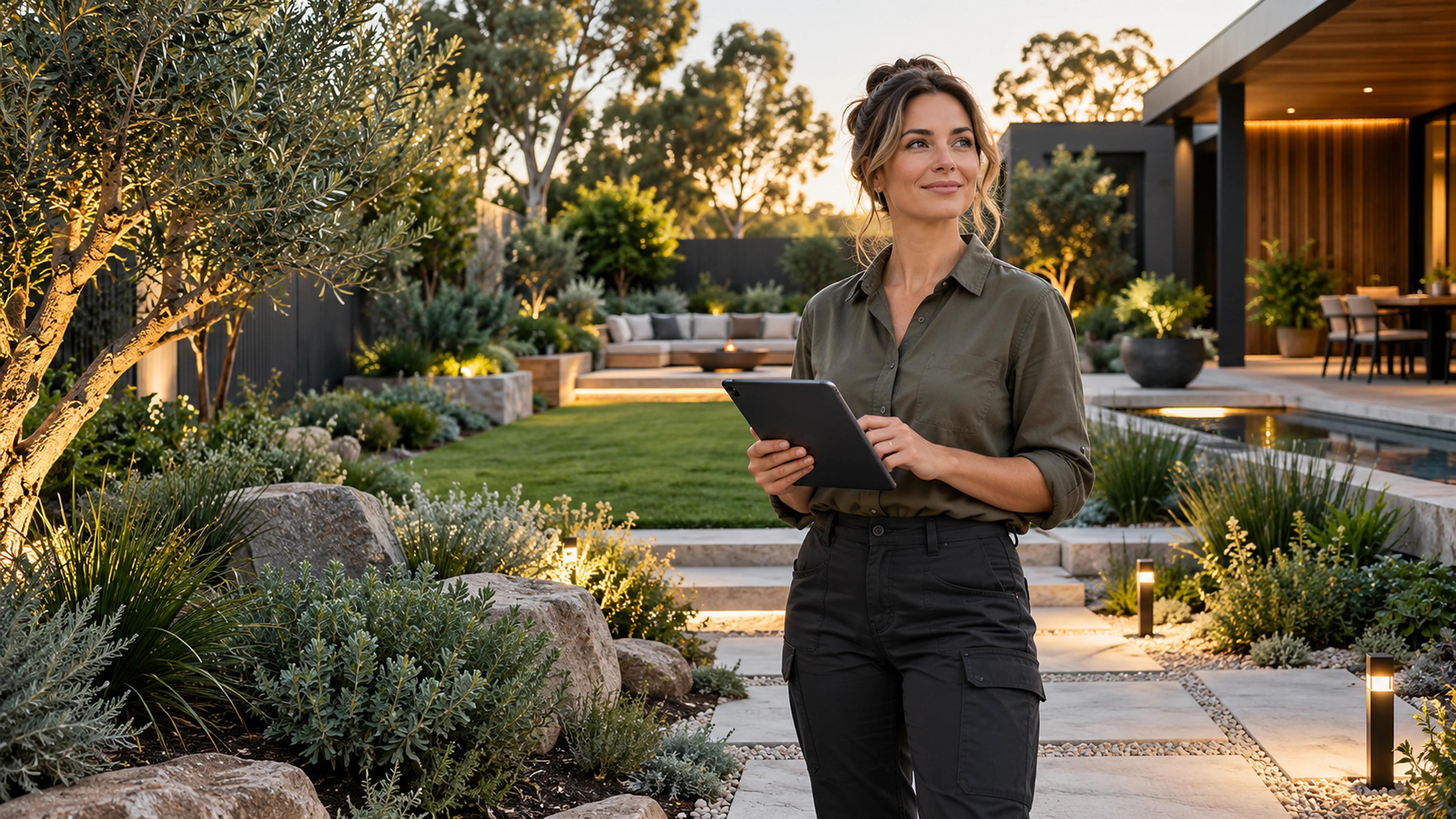
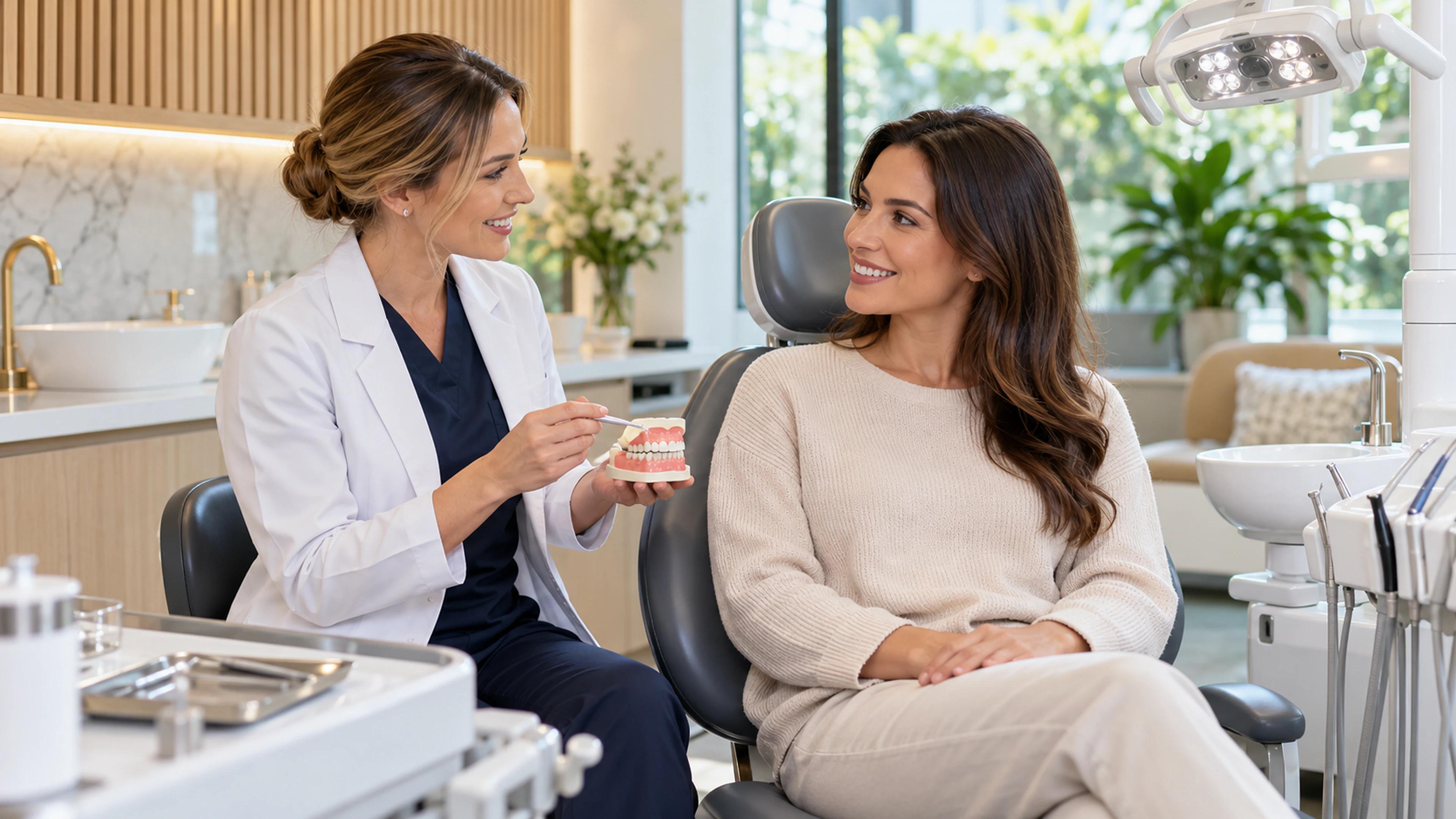
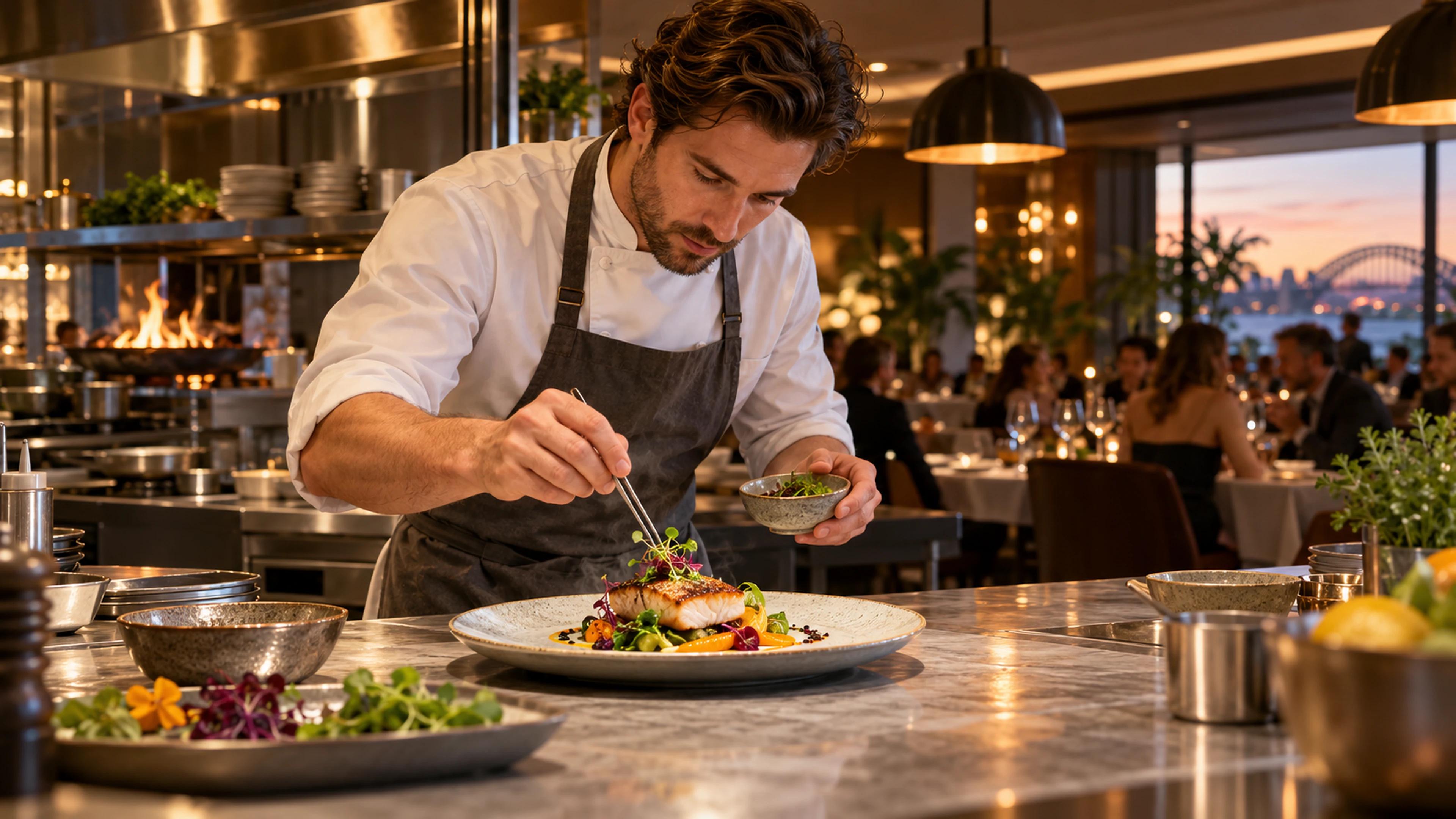
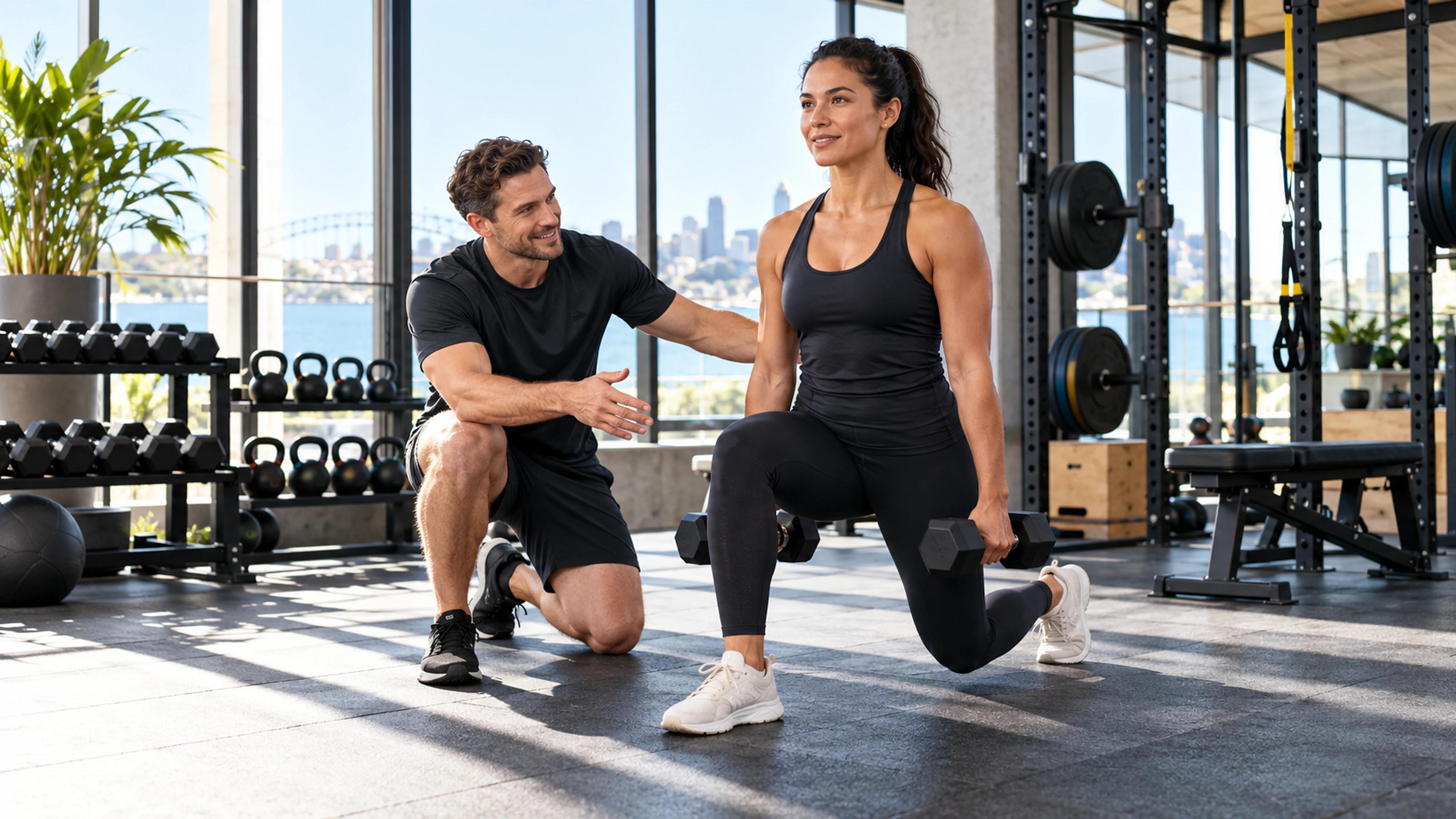
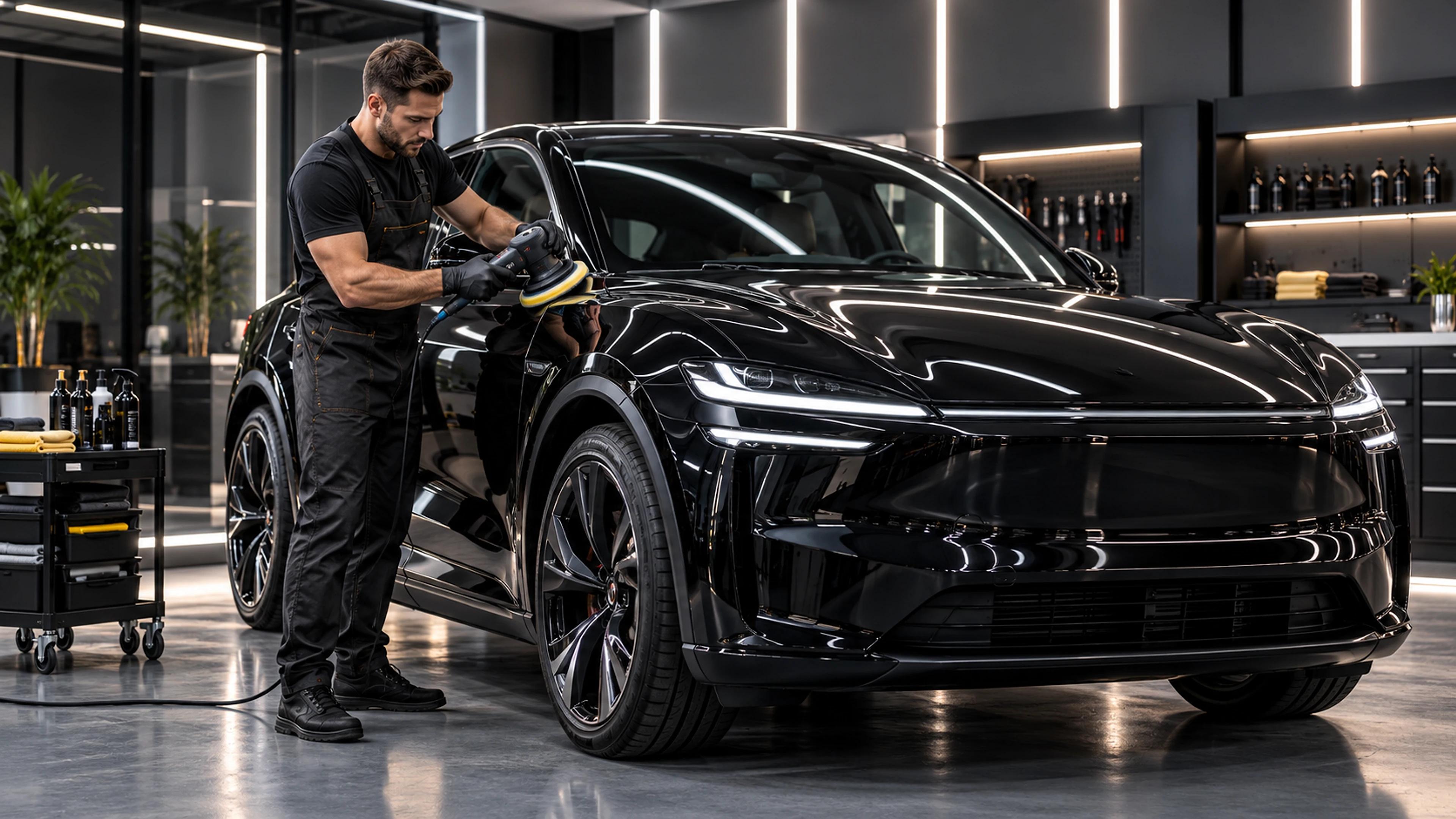
Meta campaign references


Model directory
CreativeStudio does not hide every task behind one generic button. Select the production route based on the asset, motion and control you need.
Provider availability depends on workspace configuration.
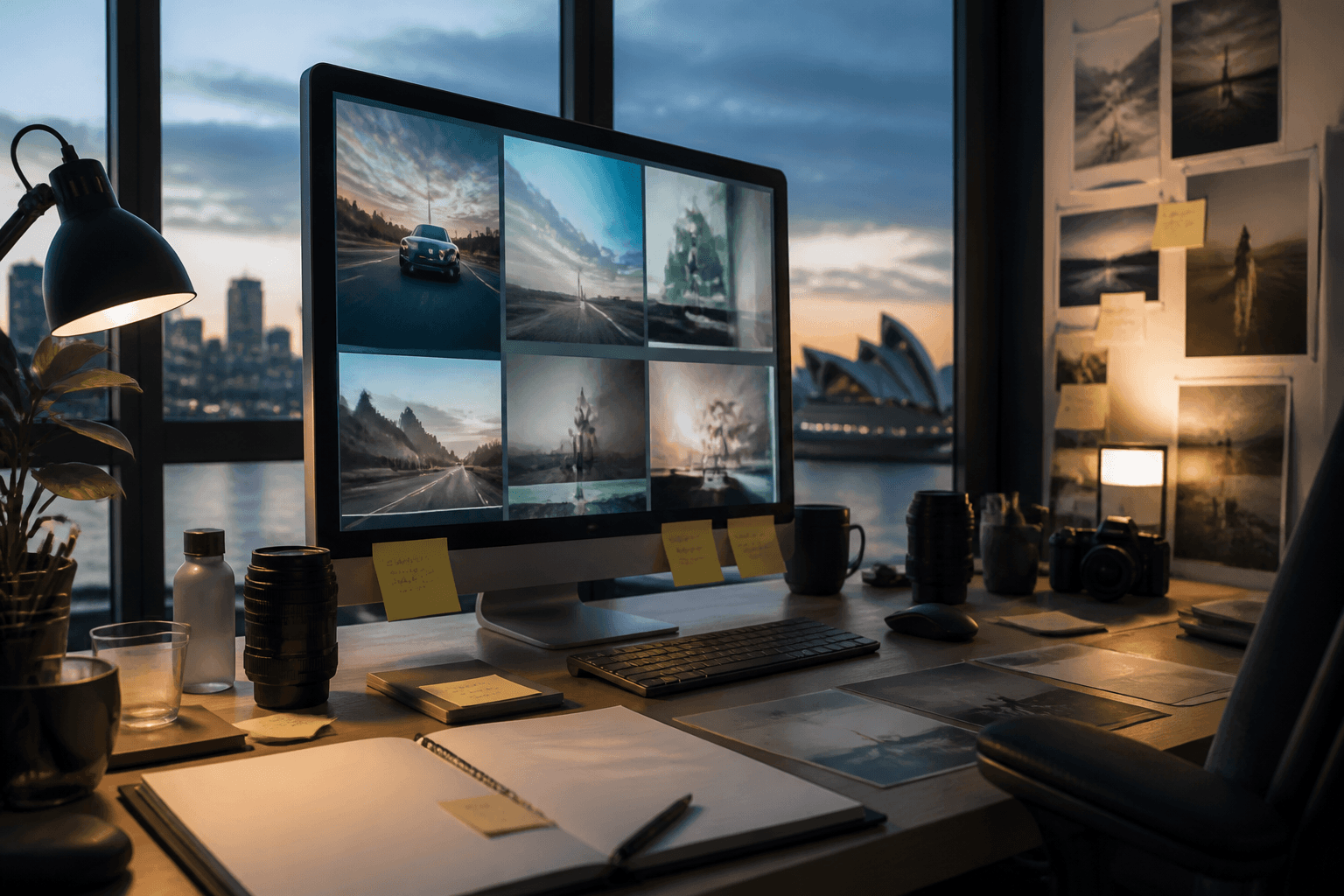
Reference control
A logo is not a product reference. A character is not a mood board. Assigning roles reduces contradictory instructions and gives every model clearer context.
Platforms and formats
Ratios are production decisions. Choose the destination before generation instead of forcing one master asset into every feed.
Each preview shows the real canvas shape CreativeStudio can prepare. Pixel dimensions are representative 4K-class export examples.
1:14:34:59:1616:91.91:12:31:1 / 4:5 / 9:16 / 1.91:19:16 / 1:19:16 / 16:9 / 1:11:1 / 16:9 / 1.91:11.91:1 + placement sizes2:3 / 1:1 / 9:16* Native support varies by provider. Seedance maps 4:5 reference video to 3:4 for cropping.
Transparent production cost
There is no honest single price for every output. Cost changes with the provider, model, resolution, duration and number of variants.
Open the studioEstimates use the configured provider rate. Final billing may vary with actual provider usage.
Frequently asked questions
The important conditions are part of the workflow, not hidden after generation.
CreativeStudio routes work through configured providers. Current routes include OpenAI image models, BytePlus Seedream and Seedance, HeyGen avatar video, and optional Higgsfield and Runway providers. Availability depends on your workspace configuration.
Image workflows include 1:1, 4:3, 4:5, 9:16, 16:9, 1.91:1 and 2:3, with custom image variants where supported. Video controls include 9:16, 1:1, 16:9, 4:3 and 4:5. Each provider validates its own native formats.
No. BytePlus Seedance does not accept native 4:5 reference-to-video output. CreativeStudio maps that request to 3:4 and clearly identifies the crop needed for a 4:5 Meta feed asset.
The production interface supports compositions up to four minutes. Individual model clips can have shorter limits, so longer videos may be planned and assembled from multiple scenes rather than generated in one call.
You can assign up to nine reference assets across product, logo, scene, character and general reference roles. Provider-specific input limits are checked during production.
CreativeStudio prepares and exports campaign-ready assets. Publishing, campaign setup and media spend remain in the relevant advertising platform unless a connected export workflow is explicitly available in your workspace.
Cost depends on the selected provider, model, resolution, duration and number of outputs. CreativeStudio shows an estimate using those production settings; final provider billing can vary with actual usage.
On HeyGen avatar video, yes — the same avatar and voice carry through your script and final composition. On BytePlus Seedance 2.0 and 2.5, photoreal identity in a character reference is blocked by provider policy; those jobs are rejected with a clear error instead of inventing a different person. Use HeyGen for a consistent on-camera presenter, and Seedance for cinematic B-roll with product, scene, logo or non-photoreal anchors.
Ready for the next campaign
One workspace for brand context, references, image variants, video production and review.
Start creating